
HR teams often struggle to keep visual learners engaged when explaining complex topics, such as policies and benefits. And if your training sessions are full of glazed eyes or unanswered questions, you might be missing a key audience: the visual learners. In this quick guide, you’ll discover how to teach visual learners in HR communications using whiteboard videos, an approach that’s not just effective, but scientifically proven to improve retention and understanding.
Key takeaways
- Visual learners make up a significant portion of the workforce, some estimates say as much as 65%.
- They often struggle with text-heavy HR communications, especially around dense topics such as benefits and performance reviews.
- Visual formats like whiteboard videos help break down complexity, making messages easier to absorb and remember.
- TruScribe’s Scribology method blends neuroscience, storytelling, and visuals to create engaging, high-impact whiteboard videos for HR teams.
The Problem: Complexity + Text = Lost Visual Learners
Are you struggling to convey important information to employees who appear disengaged or confused during meetings and training sessions? If so, you may be overlooking the needs of visual learners. These are individuals who struggle to absorb information without clear visuals, such as videos, images, diagrams, and other visual aids.
Imagine walking your team through a new performance evaluation process using only a spoken explanation and a PowerPoint full of bullet points. For a visual learner, that’s a one-way ticket to confusion. Without visuals to support the message, they lose focus, miss key steps, and leave unsure of what’s expected.
This isn’t just frustrating; it’s expensive. When HR professionals present information without visuals, visual learners lose interest quickly and become disengaged during training sessions. Over time, this leads to ineffective training programs that waste time, reduce productivity, and slow down overall business performance.
This guide explores how to teach visual learners in HR communications using whiteboard videos to improve understanding and boost engagement.
Defining visual learners & why they matter.
People learn in different ways, with a majority falling into one of the following three main categories:
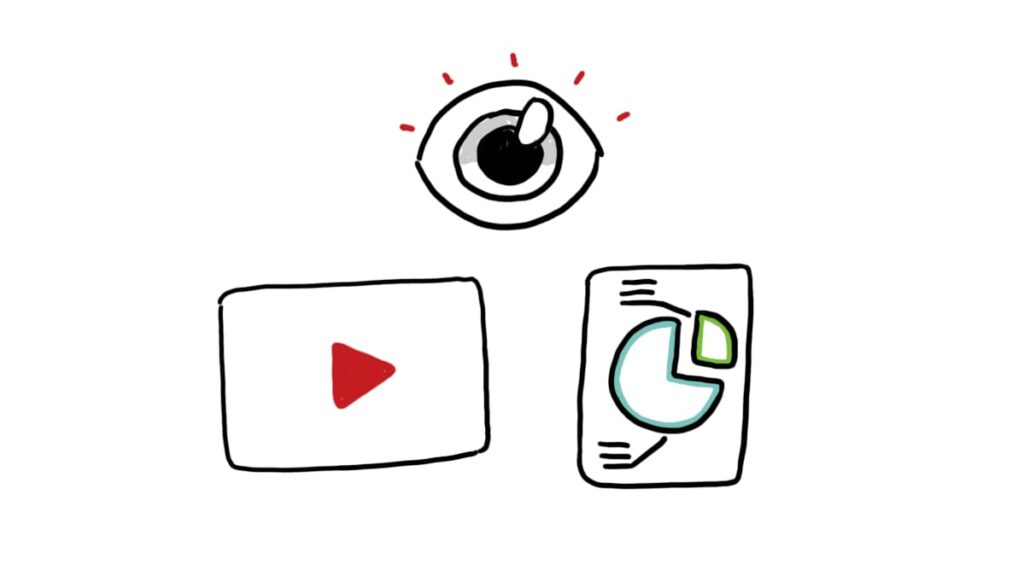
- Visual learners thrive on visual input, such as images, charts, diagrams, infographics, and videos. They grasp and retain information more effectively when it’s presented visually rather than just through spoken or written words.
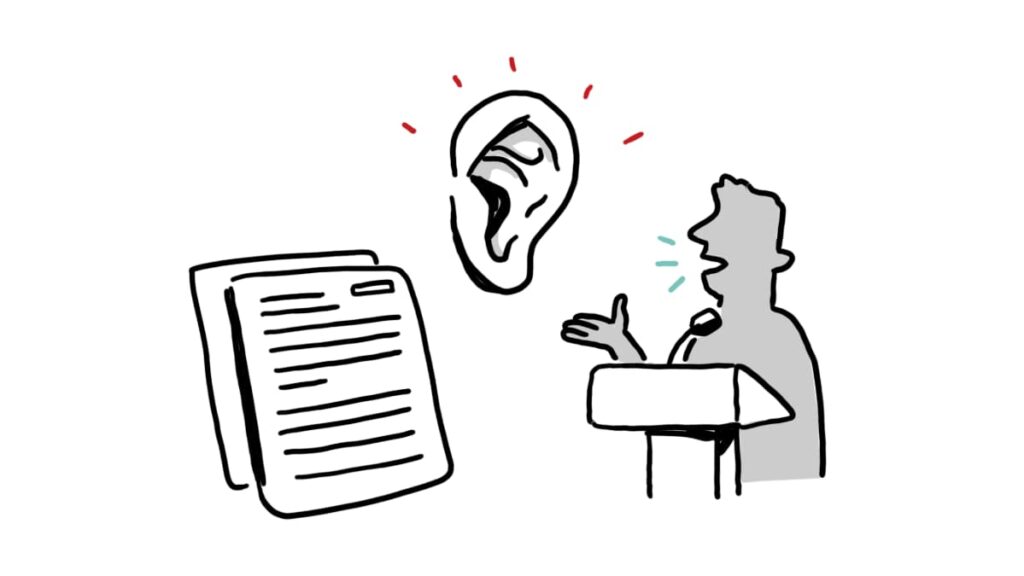
- Verbal learners prefer language. They excel when reading detailed documents, listening to explanations, or taking notes during a lecture.
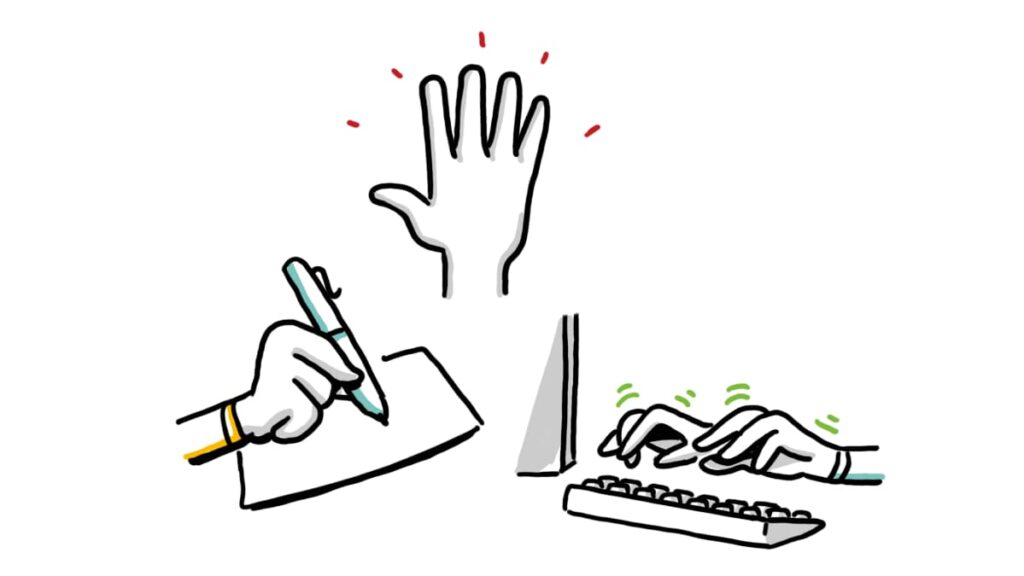
- Kinaesthetic learners learn by doing. They understand best through movement, touch, and hands-on activities rather than passive instruction.
Here’s the kicker: visual learners make up roughly 65% of the population. That means in most workplaces, the majority of your team benefits more from visual content—not dense text or lengthy meetings.
If you’re still relying on slide decks full of bullet points or pages of policy docs, you might be leaving most of your workforce behind.
The neuroscience behind visual retention
Here’s why visual learning works so well: our brains are built for images.
According to MedTech intelligence, the human brain processes visuals 60,000 times faster than text. When we see an image, our brain can understand it almost instantly. With text, the brain has to work harder: decoding words, interpreting meaning, and then building a mental image.
Visuals are also easier to remember. The brain stores images more effectively, which helps people recall information later. This is why visual learning is so powerful, especially when explaining complex topics.
At TruScribe, we’ve taken this science and turned it into a strategy: Scribology. It’s our proprietary method rooted in neuroscience, designed to make information easier to understand and remember. And the results speak for themselves: Whiteboard videos created with Scribology deliver up to 200% better retention than traditional text- or speech-based content.
It’s more than just drawing pictures. It’s about activating memory, engagement, and comprehension, all at the speed of sight.
HR communication pain points for visual learners
Visual learners often face challenges when trainers present information without visual support. Some of the most common HR topics that confuse visual learners include:
- Employee benefits: When benefits are explained through long text documents without charts or visuals, visual learners may struggle to compare plans or understand key deadlines. A simple chart or infographic can make the details clearer and easier to remember.
- DEI policy nuance: Written policies that lack real-life examples or visual scenarios can make it hard for visual learners to see how DEI principles apply in everyday work situations. A short whiteboard video can bring these ideas to life with relatable characters and situations.
- Performance reviews: Text-heavy training sessions can leave visual learners unsure about how to set goals, track progress, or complete review steps without a clear visual guide. A flowchart or step-by-step visual guide could make the process feel approachable and actionable.
How to Teach Visual Learners with Whiteboard Video
If you’re wondering how to teach visual learners in a way that truly sticks, whiteboard video is one of the most effective tools available. A well-crafted whiteboard video builds understanding through visuals, pacing, and reinforcement.
Here’s how it meets their needs of visual learners:
- Step-by-Step Drawings: Whiteboard videos unfold in real time, with hand-drawn visuals that develop alongside the narration. This keeps visual learners engaged and helps them follow the story, one clear idea at a time.
- Voice + Visual = Comprehension: A clear voiceover walks viewers through the message as the visuals build. When spoken words are paired with images, the brain processes the information through two channels, boosting both understanding and memory retention.
- Controlled Pacing: One of the keys to teaching visual learners is giving them time to absorb information. Whiteboard videos move at a steady pace, allowing each idea to land before the next begins. It’s a natural, supportive rhythm that keeps learners from feeling overwhelmed.
- Reinforced Learning: Effective teaching for visual learners includes repetition. Whiteboard videos reinforce key points by showing them visually and repeating them in the narration. This multi-sensory exposure helps lock in the message.
How to Teach Visual Learners: HR Examples in Action
Whiteboard videos offer a straightforward way to explain HR topics that can be challenging to comprehend when presented solely through text. Here are a few real-world HR examples where whiteboard video makes a big impact, turning complex information into content that’s easier to grasp, remember, and act on:
- New hire orientation: The HR team can incorporate a whiteboard video into culture and orientation training to introduce the company’s mission, values, and workplace dynamics. Using simple illustrations to depict real workplace scenarios, the video helps new hires understand expected behaviors and team collaboration. This approach fosters connection and confidence from day one.
- Open enrollment instructions: When it’s time for open enrollment, employees need to understand deadlines, documents, and the steps involved. A whiteboard video can present all this information in a precise sequence, reducing mistakes and support requests.
- Policy updates: Changes to company policies, such as time-off rules or hybrid work expectations, can be easily overlooked in an email. A whiteboard video ensures the message is not only seen but also understood and remembered.
Curious how these ideas come to life? Check out our gallery to explore real-world whiteboard video examples from various industries and HR use cases.
Partnering with experts for maximum impact
Creating whiteboard videos without the right experience can result in unclear messaging, subpar visuals, and wasted time. This is why partnering with a skilled whiteboard video expert is key to getting it right the first time.
Here’s how expert collaboration ensures your message lands:
- Co-creation process: HR teams and video experts work together from the start to ensure the message is accurate, relevant, and aligned with company goals.
- Script editing: Experts help refine the script to keep it simple, engaging, and easy to follow.
- Iteration: The team reviews drafts and makes updates along the way, making sure every detail supports the core message.
- Visual alignment: Drawings and visuals are carefully matched to the script, reinforcing key points and boosting memory retention.
This process results in faster turnaround, cleaner visuals, and a video that’s impressive and built to engage.
Unlock better HR communication with TruScribe.
Whether you’re explaining benefits, launching a DEI initiative, or guiding performance reviews, relying on text alone often leaves visual learners behind, creating confusion and follow-up fatigue.
Whiteboard videos change that. It’s a proven way to teach visual learners by making abstract policies and complex instructions instantly more clear and memorable.
At TruScribe, we’ve mastered the science of visual communication through our Scribology method, a blend of neuroscience, storytelling, and hand-drawn visuals that drives real results.
Ready to transform your HR communications and master how to teach visual learners?
Contact us today and start creating content that connects and sticks.